Design Mode
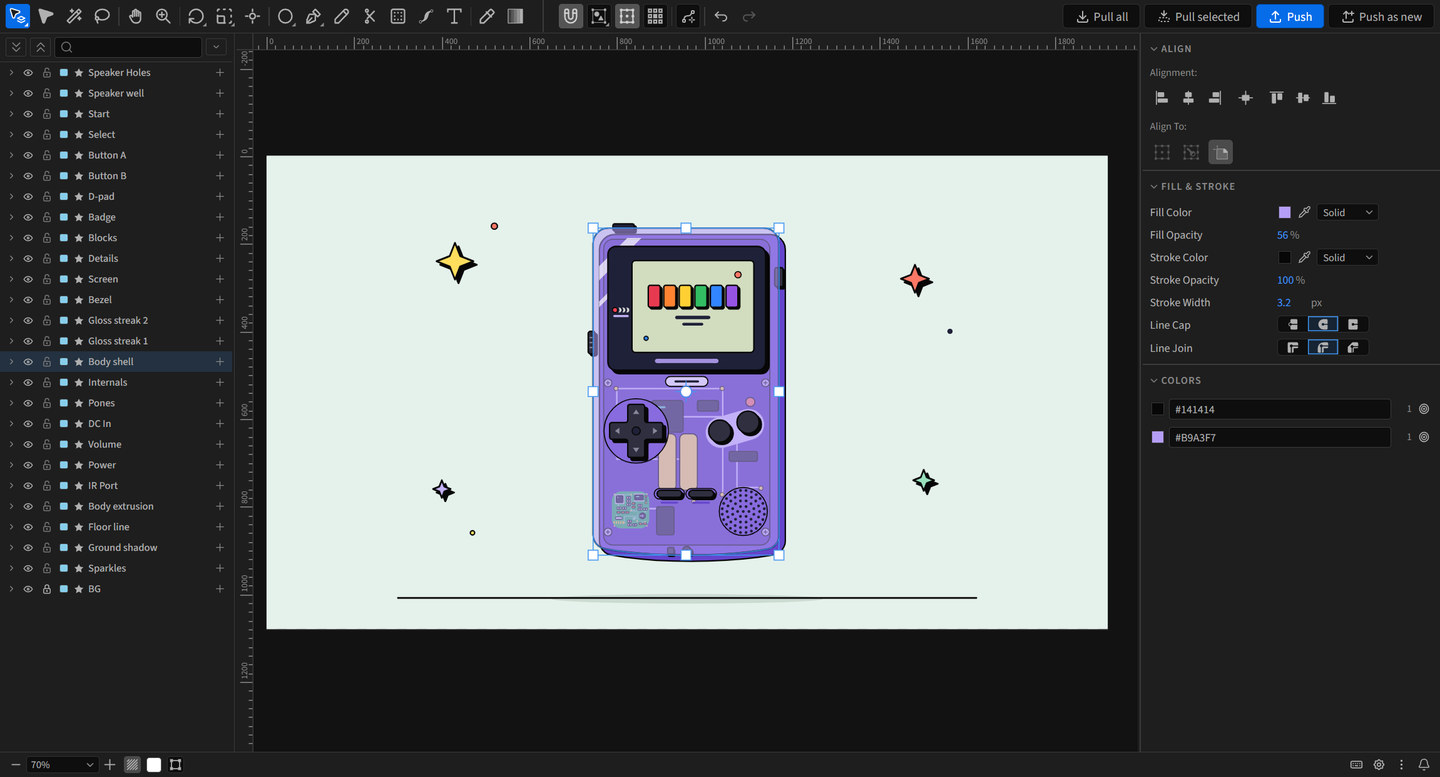
Design Mode is a vector editor that docks inside After Effects. Pull shape layers, masks and text layers onto its canvas, edit them with full vector tools, then push the result back to the same composition. Nothing in your project changes until you push.
Installation Install Design Mode and open its three panels.
Quick Start Pull, edit and push your first shapes.
Pull and Push How edits travel between Design Mode and After Effects.
Keyboard Shortcuts Every default shortcut, and how to change them.
What Design Mode does
Section titled “What Design Mode does”- Edits After Effects vectors directly: shape layers, their groups, parametric shapes, masks, and text layers
- Drawing tools: rectangles, ellipses, polygons and stars, lines, Pen, Pencil, and Text
- Selecting: Layer, Group and Path Selection, Direct Selection, Lasso and the Magic Wand, plus select same fill or stroke
- Point editing: vertex tools, Scissors, Remove points, live corner rounding, and a Width tool for tapers
- Transforms: Rotate, Scale (with optional stroke and corner scaling), Shear, Reflect, flip, arrange, an Anchor tool, keyboard transforms with typed values, snapping, align and distribute
- Path actions: Clean Up, Simplify, Offset, Outline Stroke, Join, Average, Pathfinder, and Replicate arrays built from native Repeaters
- Styling: solid and gradient fills and strokes, dashes, tapers, waves, blend modes, and every shape operator After Effects has
- Adjust after the fact: the Last Action card lets you change the values of what you just did
- Fits your setup: a UI scale from 75 to 150%, editable keyboard shortcuts, and Layers and Properties as panels of their own
- Safe by design: a full local undo history, one After Effects undo step per push, and automatic recovery of unpushed work
Requirements
Section titled “Requirements”- A Design Mode license, active on two machines at once
- After Effects 2023 or newer, on Windows or macOS
- Text editing needs After Effects 2024 or newer. In After Effects 2023, text layers are left out of a pull.