Script Buttons
A script button runs ExtendScript — the same code you would run from File > Scripts — with one click.
Create one
Section titled “Create one”- Click + > Add button and set the type to Script.
- Paste or write your code in the editor.
- Save.
The code editor is fully syntax-highlighted, with line numbers and the colors from your own After Effects Expression Editor theme.
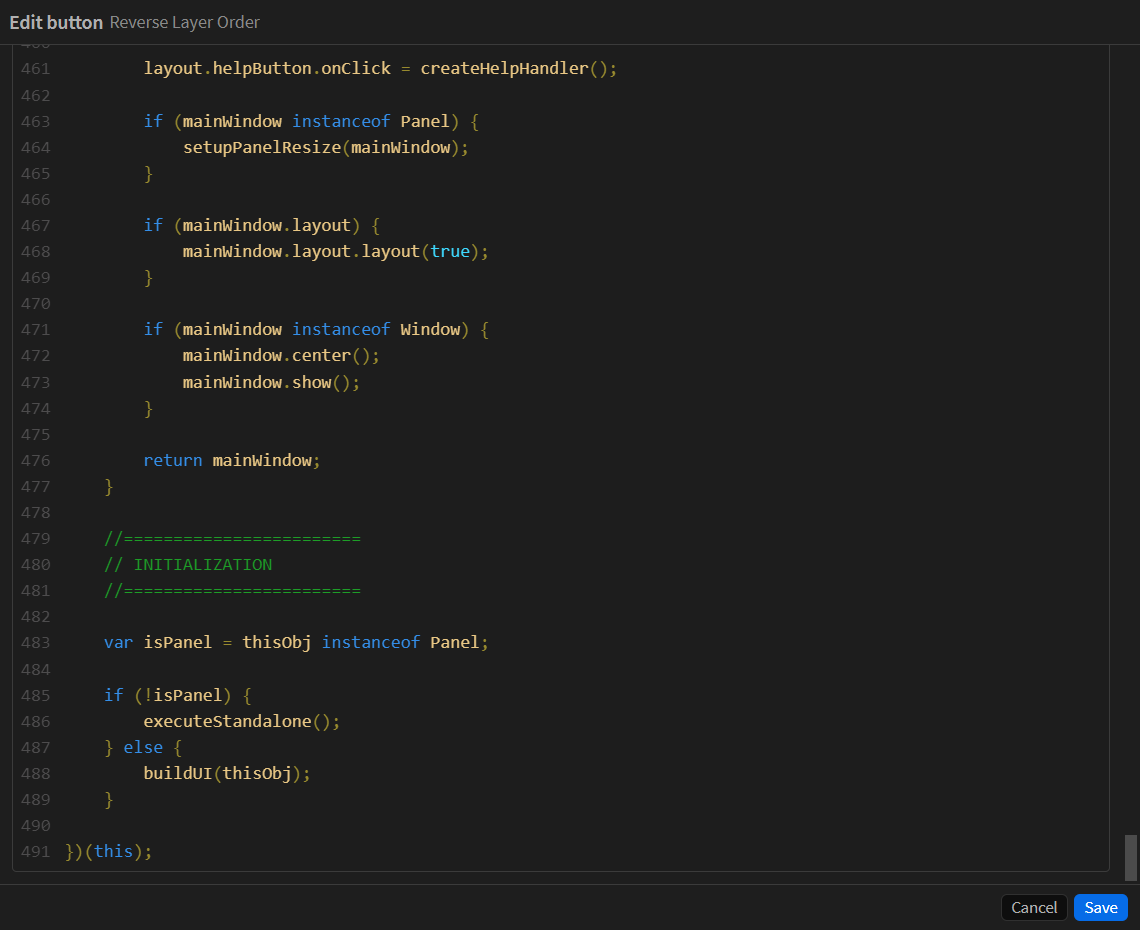
Even faster: drop .jsx or .js files onto the panel — each becomes a script button, several at once, straight into whichever folder you drop them on.
Script buttons need Allow Scripts to Write Files and Access Network turned on in Preferences > Scripting & Expressions (restart After Effects after changing it). Code Runner tells you if it is off.
A value of its own
Section titled “A value of its own”A script button can carry a Value in its editor, and the script reads it as codeRunner.button.argument. The full contract, a starter script, the KBar conversion and a guide for AI assistants are on Script Arguments.
if (typeof codeRunner !== 'undefined' && codeRunner.button) { var mode = codeRunner.button.argument; // whatever you typed in the Value field}One script, several ways to run it: merge on one button and merge-all on another, or both on one button through its alternates. An alternate’s own value wins whenever the alternate is what runs.
As you type, the field suggests the values your own script compares against. If nothing in the script reads the value, it says so rather than letting you configure something that does nothing.
codeRunner also carries .button (id, name, kind, argument), .modifiers (alt, shift, ctrl, meta) and .version. The argument is always a string, empty when there is none, and every modifier is always a real boolean. The global exists only while your script runs.
Scripts written for KBar
Section titled “Scripts written for KBar”A script that reads KBar’s global instead never sees the value. Code Runner spots that and offers to add a short block at the top of the script that hands your value on in the shape that script already reads. It shows you the exact lines first, and adds nothing until you save.
When a script fails
Section titled “When a script fails”Code Runner reports the error with the line number from your own code, and Open at line takes you straight to it in the editor with the line marked.
A script that catches its own errors reports success — Code Runner only sees what escapes.