The Button Editor
Opening the editor
Section titled “Opening the editor”- Alt-click any button, any time, unless that button binds Alt to an action of its own. See Alternates.
- In edit mode (the pencil), just click the button.
- Or right-click the button and choose Edit.
Edit mode and the right-click menu always open the editor, whatever the button binds Alt to, and whether or not Alt-click editing is on under Menu > Settings > Preferences.
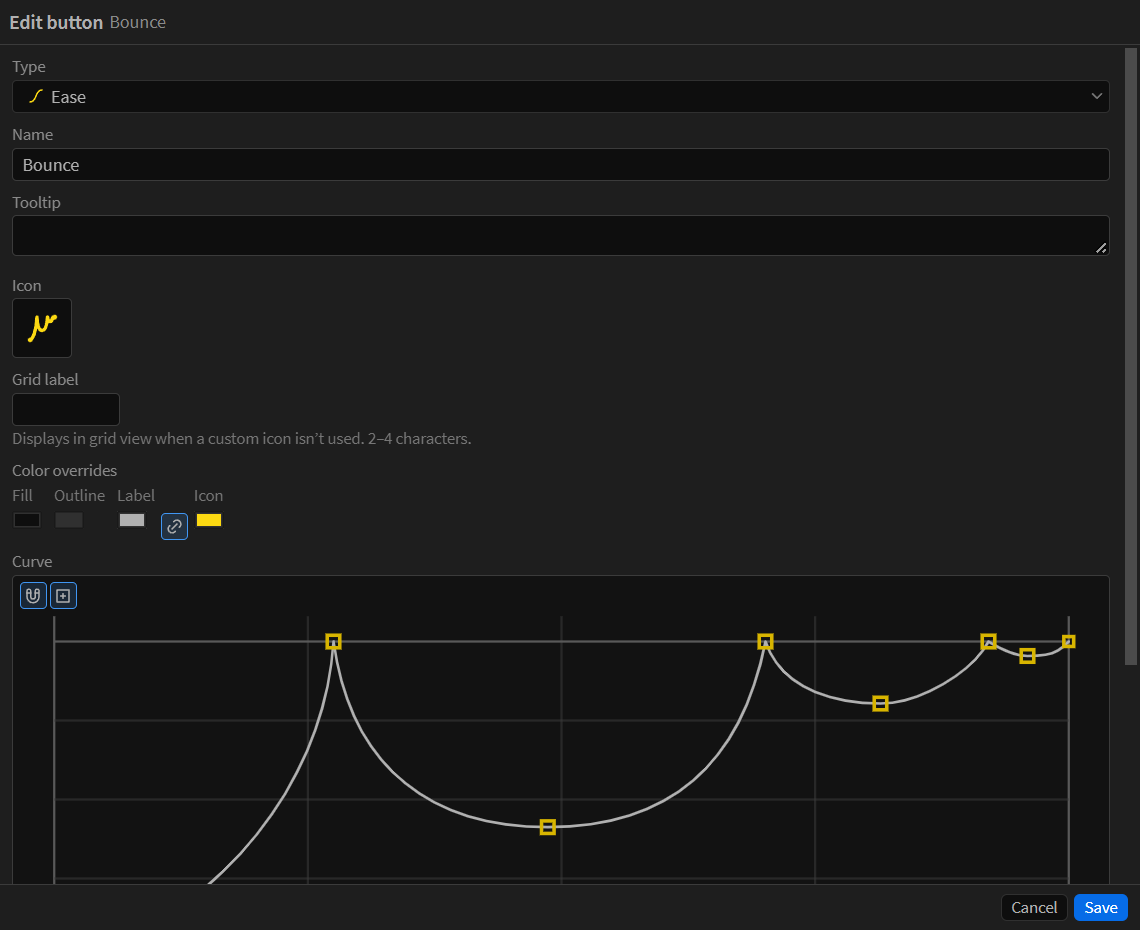
What a button carries
Section titled “What a button carries”- Name and type: the six types are covered under Buttons.
- Content: a syntax-highlighted code editor for scripts and expressions (line numbers, error-line marking, and colors from your own After Effects Expression Editor theme), a searchable picker for menu commands, a preset browser for presets, and the ease graph for eases.
- Value: a script button’s own default value, passed to the script as
codeRunner.button.argument. See Script Buttons. - Alternates: the other actions this button can run, from a modifier or from its long-press flyout. See Alternates.
- Folder: where the button lives in the current collection.
Every button can carry an icon: pick from over 5,000 built-in icons, or use your own — drop an SVG or PNG onto a button at any time and it becomes that button’s icon.
Your imported icons are stored in your library and appear in the icon picker alongside the built-in set, ready to reuse on any button. Two things you can do with them there:
- Recolor, non-destructively. Set a button’s Icon color override and the icon is painted that color; the file itself is never touched, so clearing the override brings the original artwork colors right back.
- Trim, to fill the button better. Right-click one of your own SVG icons in the picker and choose Trim empty space — the artwork sheds its empty artboard and fills its tile.
Colors
Section titled “Colors”A button can override its fill, outline, label, and icon colors. By default it inherits from its folder, and past that from the collection’s defaults — the ones you set in Settings. Each collection keeps its own defaults, so recoloring a folder recolors everything inside it, and a shared collection keeps its look. The color picker offers your existing type colors as swatches, making “same color as my preset buttons” one click.
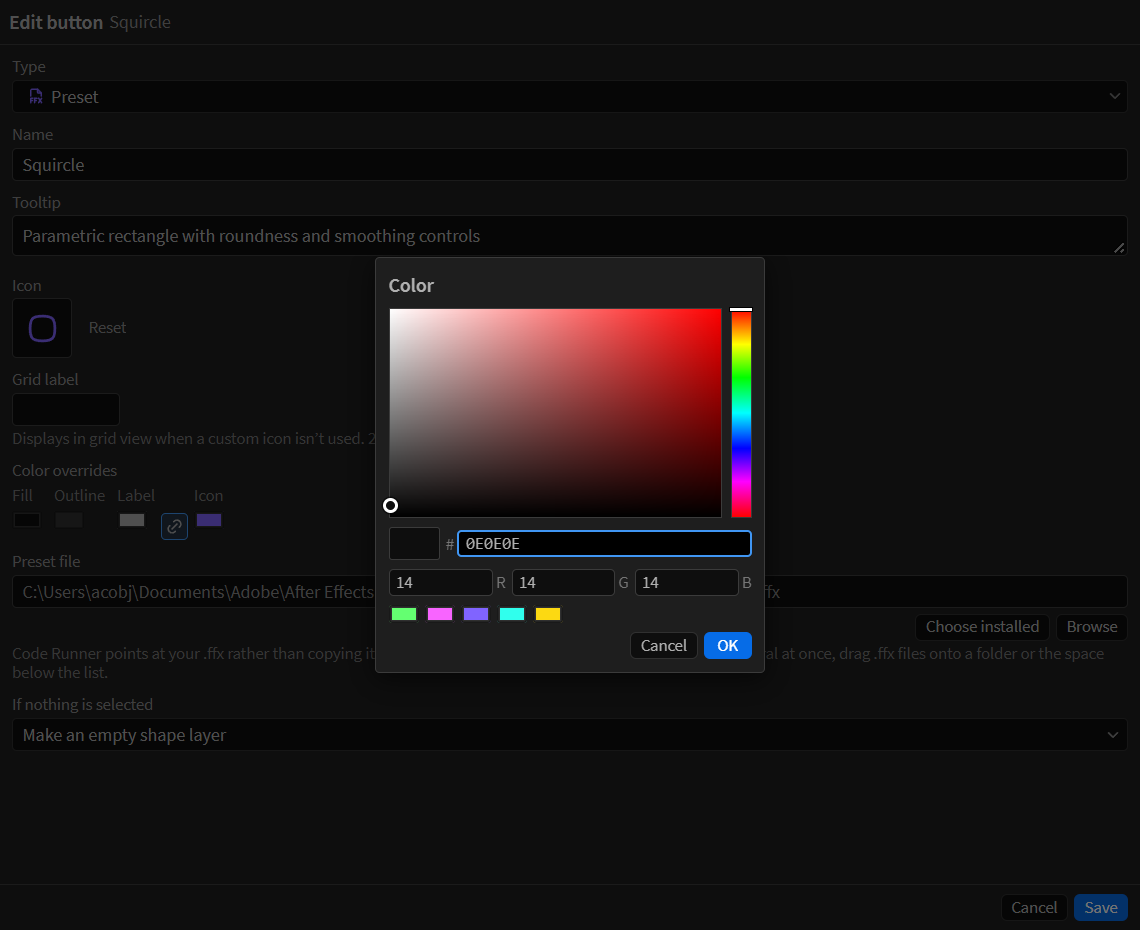
The floating editor window
Section titled “The floating editor window”The editor can open in its own resizable window — useful when the panel is docked narrow, and it gives the ease graph room to work. Everything in it is the same editor.